


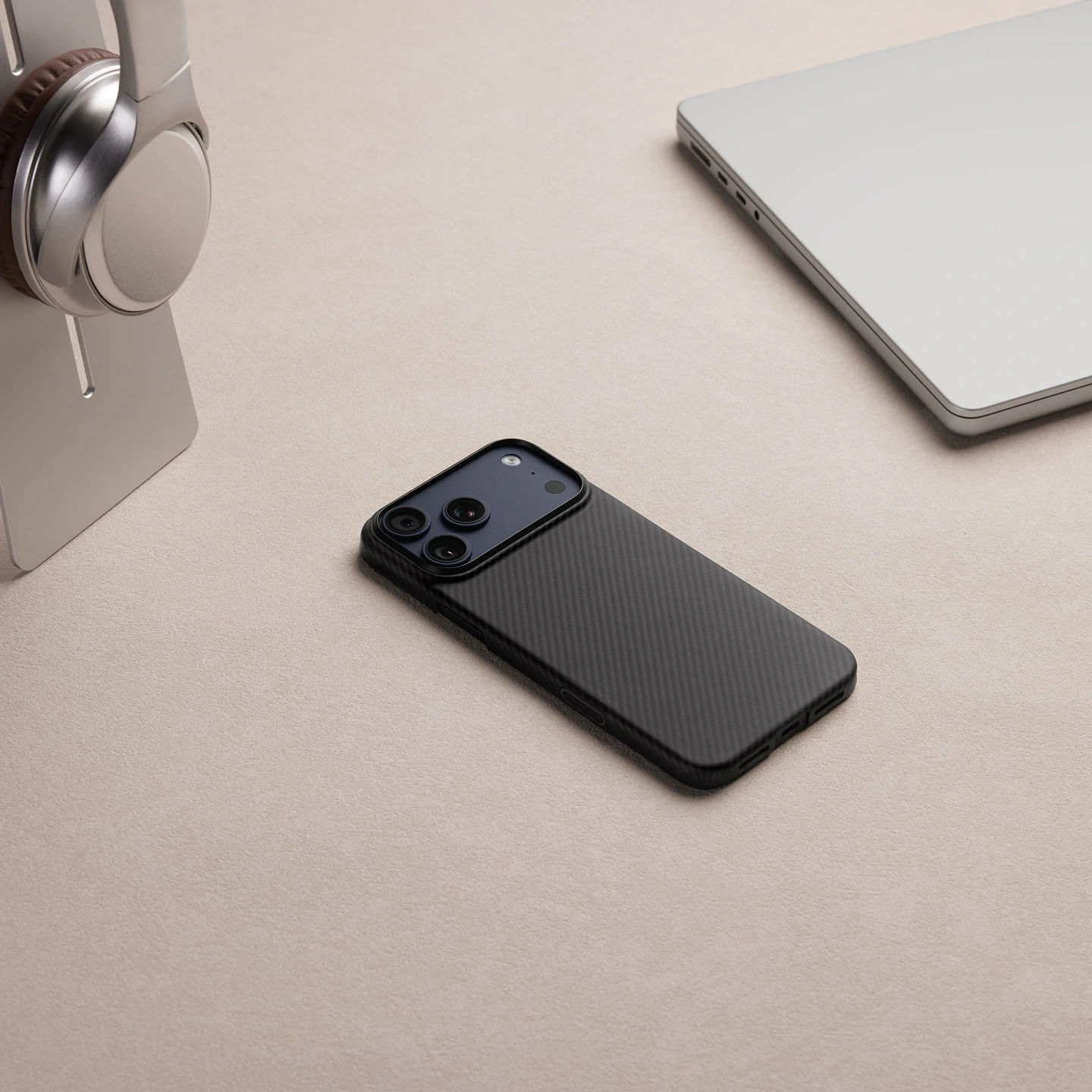
An ultra-thin and ultra-light phone case with MagSafe compatibility.
- Powered by our exclusive PitaTap™ technology
- Crafted from aerospace-grade aramid fiber for strength and elegance
- Ultra-thin and feather-light for a barely-there feel
- 100% MagSafe compatible and wireless charging ready
- Scratch-resistant and durable for long-lasting use
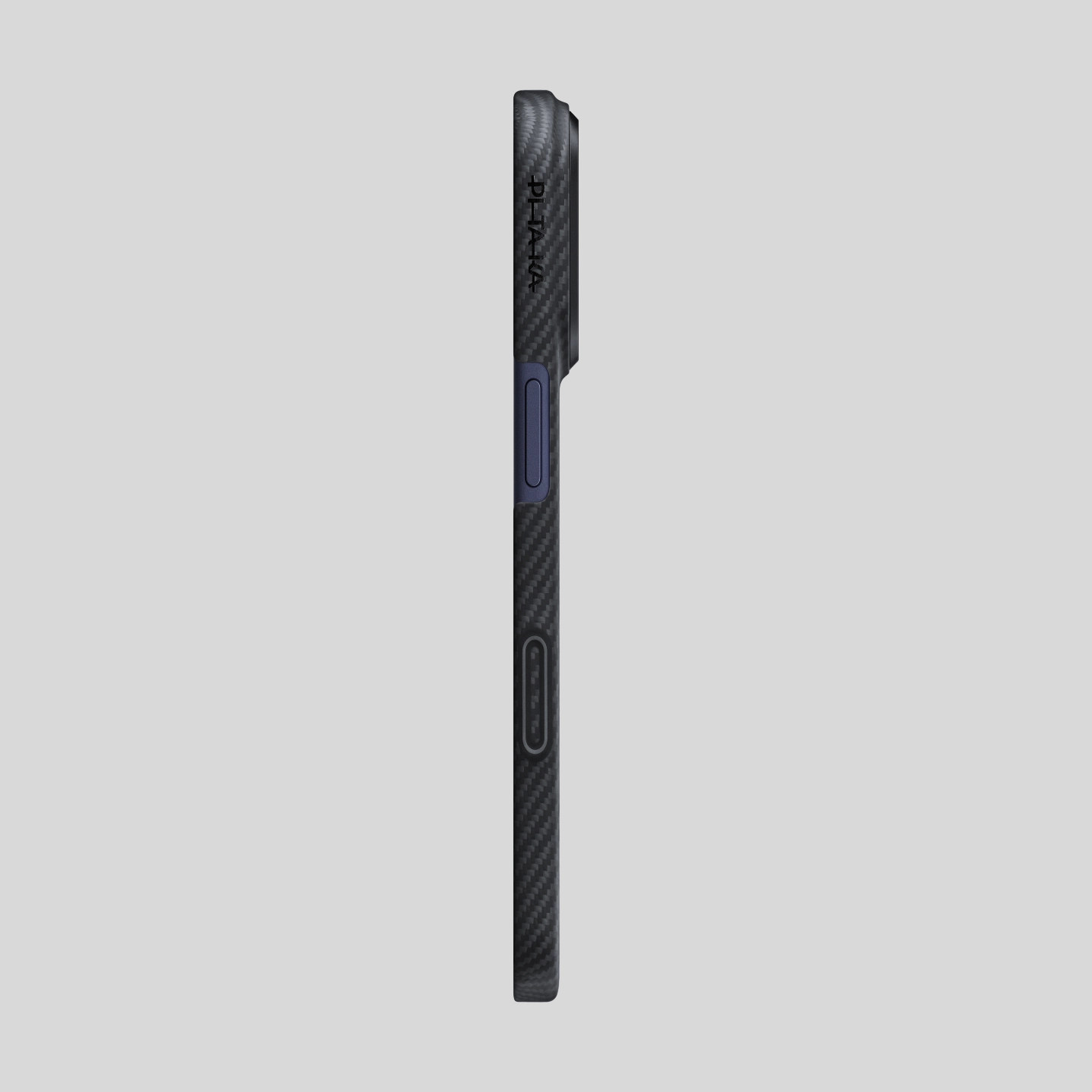
- Thickness: Approx. 0.9 mm; Weight: Approx. 20.65g / 0.73oz
- 2 months warranty
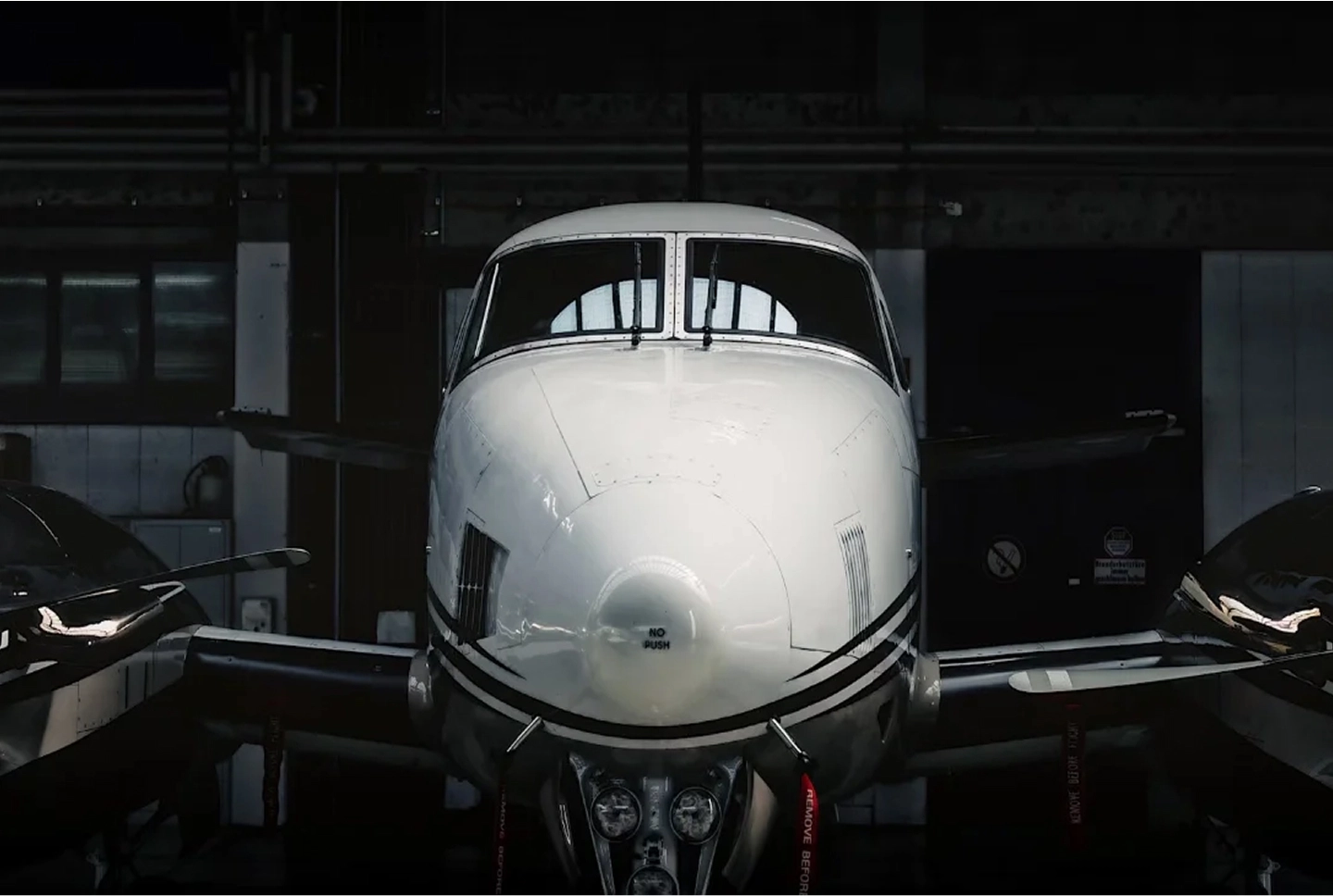
Aerospace-Grade Aramid Strength
(ESSENTIAL)
Light, yet remarkably strong — woven from aerospace-grade aramid fiber, five times stronger yet lighter than steel. PITAKA’s proprietary weaving process forms a precise geometric order. This classic texture returns to the essence of the material, delivering lasting durability and a refined tactile feel.
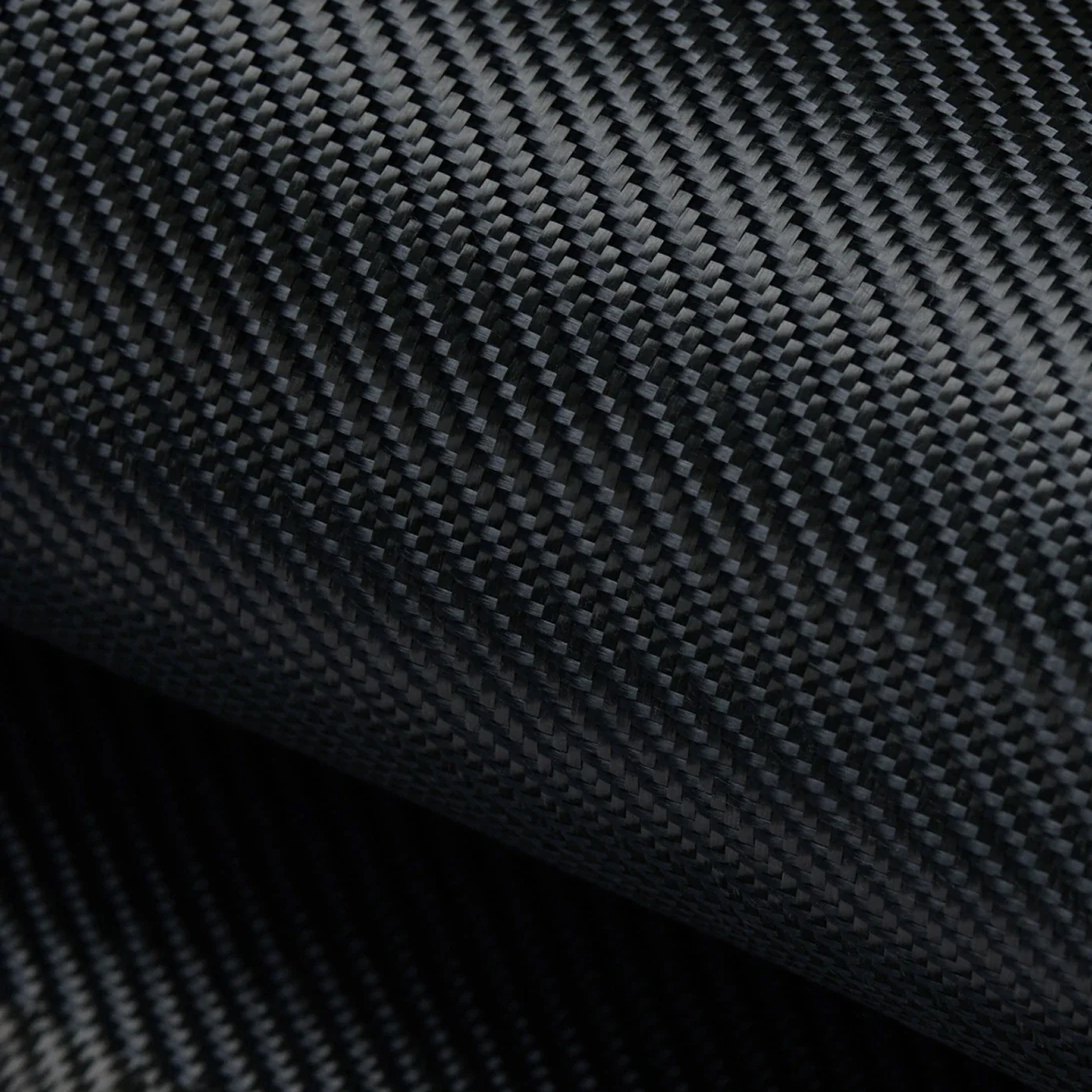
Premium Weave
Crafted from finely woven aramid fiber, our case offers a silky-smooth, luxurious texture you can feel. It's not just light and strong—it's a pleasure to hold, every single time.
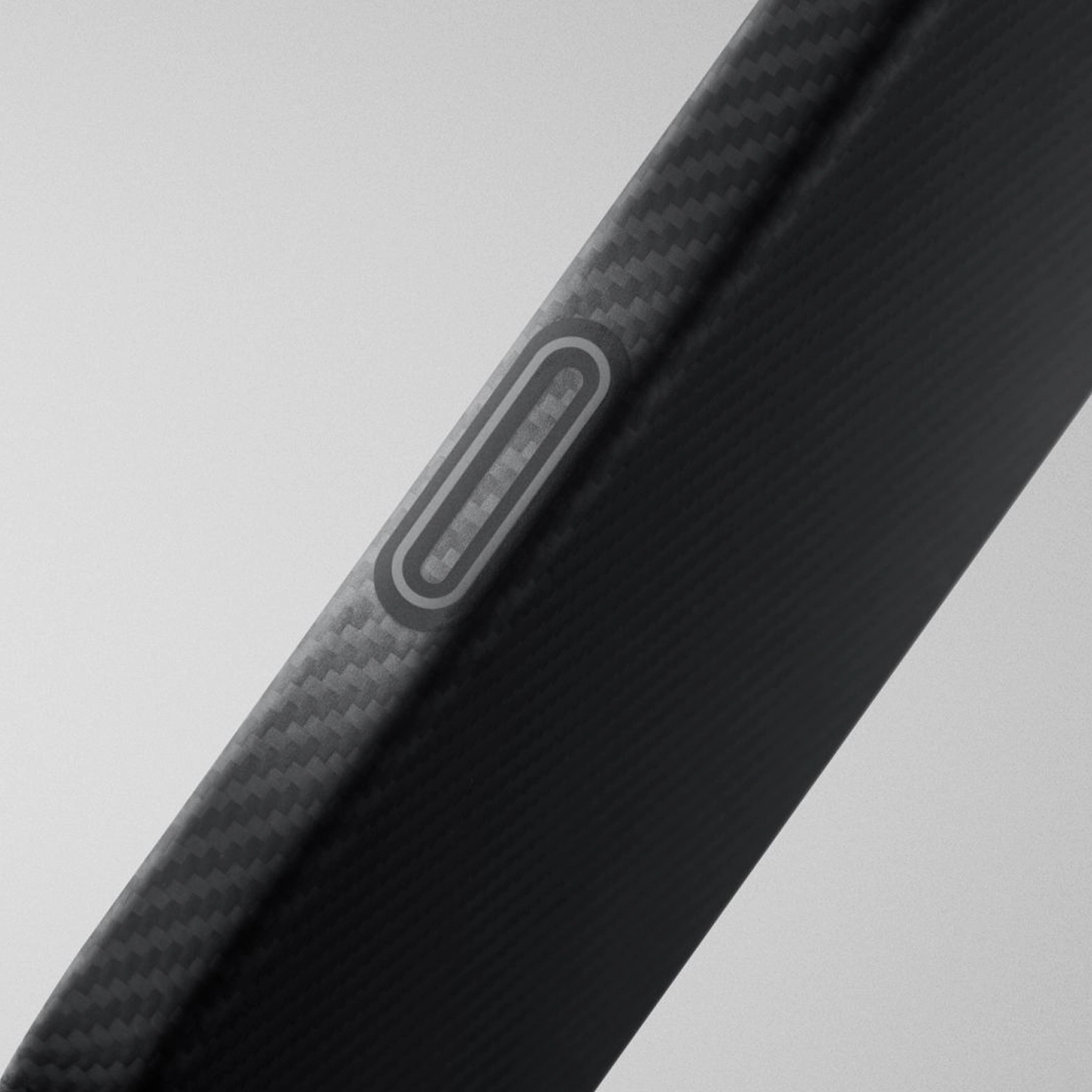
PitaTap™
Paper Thin & Feather Light
Offers a sleek, barely-there profile that preserves your phone's original feel. Ideal for minimalists seeking elegant protection without added weight.
*Tested by PITAKA Lab, individual units may have slight variances.
Product Comparison
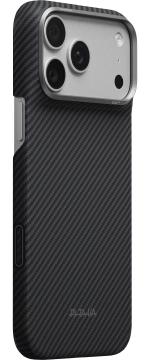
≈ 22 g
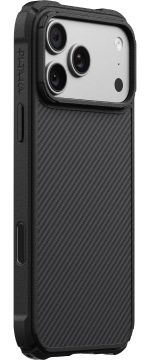
≈ 38 g
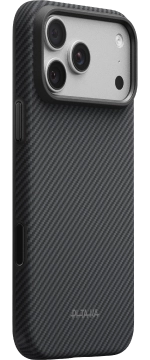
≈ 38 g
≈ 1.20 mm
≈ 2 mm
≈ 2 mm
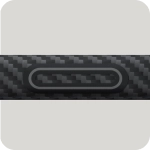 PitaTap™
Aramid Fiber Camera Control
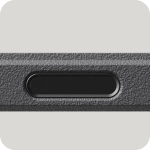 Reinforced Glass Camera Control
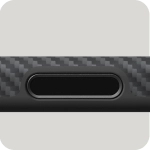 Reinforced Glass Camera Control
 Daily protection
 Bow-Arc Corner Buffer 2.0
Ultra Protection (Max)
MIL-STD-810H · 2.44m Drop Test
 Premium unibody design
Ultra Protection (Balanced)
MIL-STD-810H · 1.22m Drop Test
Complete Your Everyday Carry


FAQs
*The case now offers full top and bottom coverage.
*The camera ring has been upgraded to a raised "volcanic" design and now comes in colors that match your case style, instead of only silver.
If you need to adjust sensitivity, navigate to:
Settings → Camera → Camera Control → Accessibility → Light-Press Force.
Avoid contact with strongly dyed items to prevent stains.
You can read more about the difference here.